
Data sources and reliability
Every result in UserSearch comes from an external data source — the third-party data source that a Module queries. Understanding where a result came from, and how that source collects its data, is central to judging how much weight to put on it. This page explains the vocabulary of data sourcing, the reliability signals the product exposes, and the different kinds of source behind the platform.
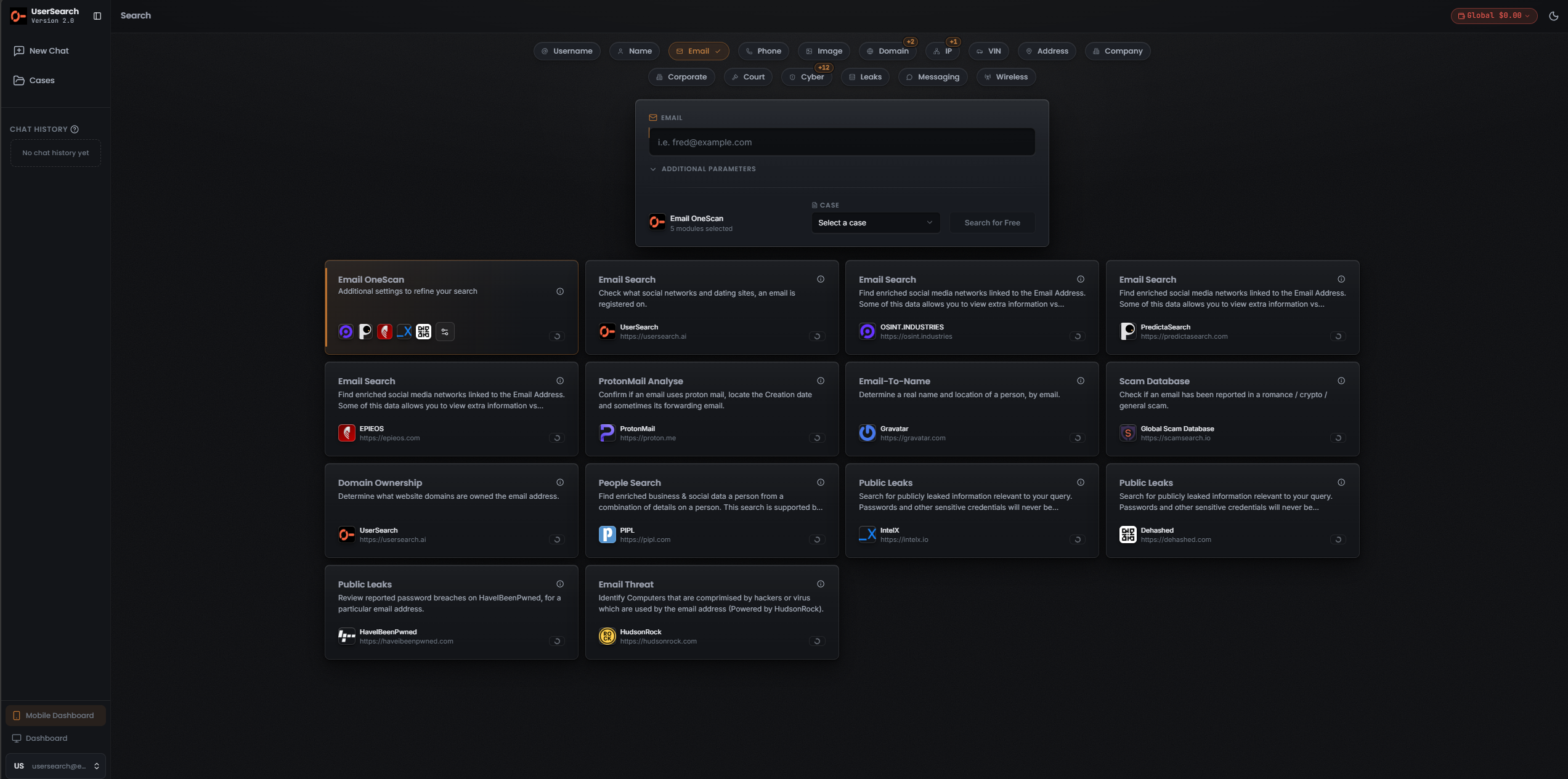
data source, Module, and Data Source
Section titled “data source, Module, and Data Source”Three terms are easy to conflate. Keep them distinct:
- A data source is the external data holder — for example Shodan, HaveIBeenPwned, or OpenCorporates. UserSearch does not own this data; it queries the data source on your behalf.
- A Module is the card you click inside a Search type. A single-source Module usually borrows the data source’s name, but the Module is the UserSearch object and the data source is the source behind it.
- The Data Source column in a results table names which data source each individual row came from. This is how you attribute a specific finding to a specific source.
OneScan is a special case: it is a UserSearch Module that fans one input out across several data sources at once and merges the results. It is not itself a data source. When you run a OneScan, the Data Source column tells you which underlying data source produced each row. See OneScan for details.
Reliability signals the product exposes
Section titled “Reliability signals the product exposes”Two confirmed behaviours determine how you should read a result.
Match Accuracy comes from the data source
Section titled “Match Accuracy comes from the data source”Any Match Accuracy or confidence figure shown against a result is the data source’s own figure. UserSearch does not compute or normalise it. This has a practical consequence: accuracy is not comparable across data sources. A high Match Accuracy from one source and a high figure from another were produced by different methods and mean different things. Treat Match Accuracy as a within-data-source signal, not a cross-data-source ranking.
Found versus Enriched
Section titled “Found versus Enriched”Two result states describe what was learned, and they are not the same claim:
- Found means the identifier was located on a site — an account exists there.
- Enriched means UserSearch holds further metadata on that account, such as possible names or linked emails.
A Found result is a weaker, more literal claim (this account exists) than an Enriched result (here is who we think is behind it). Weigh them accordingly. See Found, Enriched, and Connections.
Cost tiers reflect the source
Section titled “Cost tiers reflect the source”Per-data-source cost falls into three tiers, which loosely track the kind of source:
| Tier | How the cost behaves | Example |
|---|---|---|
| Free | No Credits charged | Selected registry/official lookups |
| Fixed | A set price per search for a single-source Search type Module | Vehicle = $5.00 |
| Dynamic | The sum of all data sources left selected in the Choose Data Source modal, so the displayed price is a moving range | OneScan |
A OneScan search costs the total of every data source still toggled on, so its price changes as you add or remove sources. See Credits and pricing for the full model.
How data sources collect their data
Section titled “How data sources collect their data”Different data sources behave very differently, and the difference matters for interpretation, freshness, and — in some regions — the legality of relying on a result. Two axes are useful.
Collection posture — how the source obtains its data:
- Passive / OSINT — aggregates already-public or crawled data, with no interaction with the target.
- Active probe — reaches out and scans or queries live infrastructure (for example, an internet-wide host scanner).
- Breach corpus — indexes leaked or breached credential dumps.
- Registry / official — mirrors an authoritative government or standards register.
Data class — what kind of information the source holds: breach credentials, social/identity enrichment, people/PII, corporate/registry, sanctions/watchlist, court/judicial, infrastructure/network, image/biometric, geolocation, reputation/threat, market/trends, or messaging.
OSINT versus breach data
Section titled “OSINT versus breach data”The distinction most worth internalising is between OSINT sources and breach sources.
- OSINT (open-source intelligence) sources aggregate information that is already public: crawled websites, public profiles, official registers, archived pages. Relying on it is generally lower-risk, and the data is “public” in the ordinary sense.
- Breach corpus sources index credentials and records that were leaked — that is, exposed through a data breach rather than published deliberately. This data can be highly revealing but carries different ethical and, in some jurisdictions, legal considerations.
Where breach sources are involved, the interface indicates that full passwords and sensitive credentials are not returned in plain form. Confirm the exact redaction behaviour before relying on it.
Passive versus active collection
Section titled “Passive versus active collection”Most data sources are passive: they read from an index or archive they already hold, so your search does not touch the target. A small number of data sources are, by their nature, active — an internet-wide scanner like Shodan builds its picture by probing live infrastructure. Even there, it is not confirmed whether a UserSearch query hits the data source’s pre-built index or triggers a live scan at request time; the practical assumption is that queries read an existing index, but this is unconfirmed.
Jurisdiction
Section titled “Jurisdiction”Some sources are inherently jurisdiction-scoped, and this is visible in the interface for two Search types:
- Corporate Modules name jurisdiction-specific registers: OpenCorporates (aggregated), CompaniesHouse - UK (UK statutory register), SEC - USA (US filings), plus GLEIF (global LEI records) and OpenSanctions (consolidated sanctions).
- Court Records Modules are each tied to a jurisdiction in the interface label itself: CourtListener (USA), National Archives (UK), OCCRP Aleph (labelled Russia), A2AJ (Canada), and Judilibre (France).
When a Module is jurisdiction-scoped, a “not found” result only tells you the identifier is absent from that jurisdiction’s records — not that it is absent everywhere. Choose the source whose jurisdiction matches your subject.
The data-source landscape
Section titled “The data-source landscape”Approximately 35 distinct third-party data sources are named across the platform at v2.0.20. The data source names, and the Search types and Modules that reference them, are observed directly in the interface. The behaviour notes accompanying them are draft (see the caution above).
Identity, social, and people enrichment
Section titled “Identity, social, and people enrichment”UserSearch (native, reverse-username/reverse-email across 3000+ sites), PIPL (Social and Business datasets), OSINT.Industries, PredictaSearch, EPIEOS, Gravatar (email-to-name/avatar), and ProtonMail (address confirmation and metadata). These recur across the Username, Email, Phone, and People Search types.
Breach, leak, and scam corpora
Section titled “Breach, leak, and scam corpora”IntelX (Intelligence X) and Dehashed (breach/credential search), HaveIBeenPwned (which breaches an email appears in), and the Global Scam Database (surfaced through the Scam Database Module).
Threat and network reputation
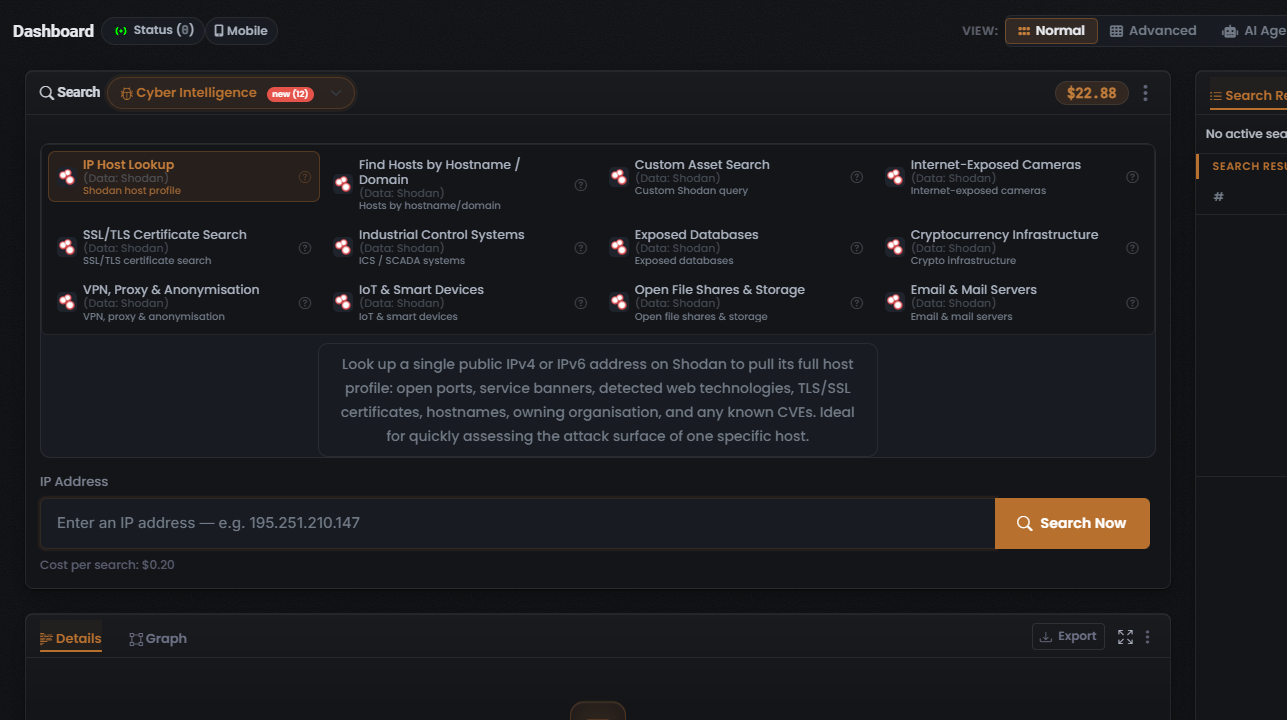
Section titled “Threat and network reputation”HudsonRock (infostealer-compromised devices), SpamHaus (IP/domain reputation and blocklists), Shodan (the sole data source behind all of the Cyber Intelligence Search type’s modules), and Wigle (WiGLE — the sole data source behind all of the Wireless Device Search type’s modules).
Corporate, legal-entity, and sanctions
Section titled “Corporate, legal-entity, and sanctions”OpenCorporates, CompaniesHouse - UK, GLEIF, SEC - USA, and OpenSanctions (see Jurisdiction above).
Court and judicial records
Section titled “Court and judicial records”CourtListener (USA), UK National Archives, OCCRP Aleph, A2AJ (Canada), and Judilibre (France).
Image, face, and geolocation
Section titled “Image, face, and geolocation”FaceCheck.id and CamGirlFinder (face search), Picarta and FindPicLocation (image geo-location), and TinEye and Google Lens (reverse-image search).
Product, market, and Google/Apple
Section titled “Product, market, and Google/Apple”Google Trends, Google Scholar, Google Calendar, Google Patents, Google Ads, and Apple (App Store), all within the Product Search type.
Messaging and forums
Section titled “Messaging and forums”TelemetryApp (Telegram intelligence across the Chat Messaging modules), Intel AI (behavioural analysis of a Reddit user, surfaced through the Reddit User Module), GitHub (public repositories and activity), and InternetArchive (Wayback — archived Twitter data and page snapshots).
Sources that are not fully attributed
Section titled “Sources that are not fully attributed”Some Modules exist but do not name a data source in the interface captured so far. Where you run these, treat the source as unverified:
- Phone › Background Check (US) — no source named.
- Vehicle › Vehicle Lookup (UK / US, Enriched) — no source named. (The Vehicle Owner Modules use PIPL.)
- Website Forensics WHOIS-based Modules (Website Domain Ownership, 3rd Party Website Lookup, Search by Favicon) — no source named.
- Cryptocurrency › Address Lookup and Websites by Address — no chain-data source named.
- Picture › Fake Image Check — no source named.
A note on source names
Section titled “A note on source names”The interface is internally inconsistent about data source spelling and casing — for example OsintIndustries versus OSINT.INDUSTRIES, Predicta versus PredictaSearch, Tineye versus TinEye, and a ScamSearch Module label against a Global Scam Database data source. One outright typo, HavelBeenPwned, appears in place of HaveIBeenPwned. When you attribute a result, match on the source’s identity rather than its exact rendering.
AI-model sources are a separate class
Section titled “AI-model sources are a separate class”The AI Agent (S.A.R.G.E.) runs on a large-language-model backend. Those AI-model data sources are a different class of source from the OSINT and breach data sources on this page, and should not be conflated with them. They are out of scope here; see the AI Agent concept.
Verified against UserSearch v2.0.20